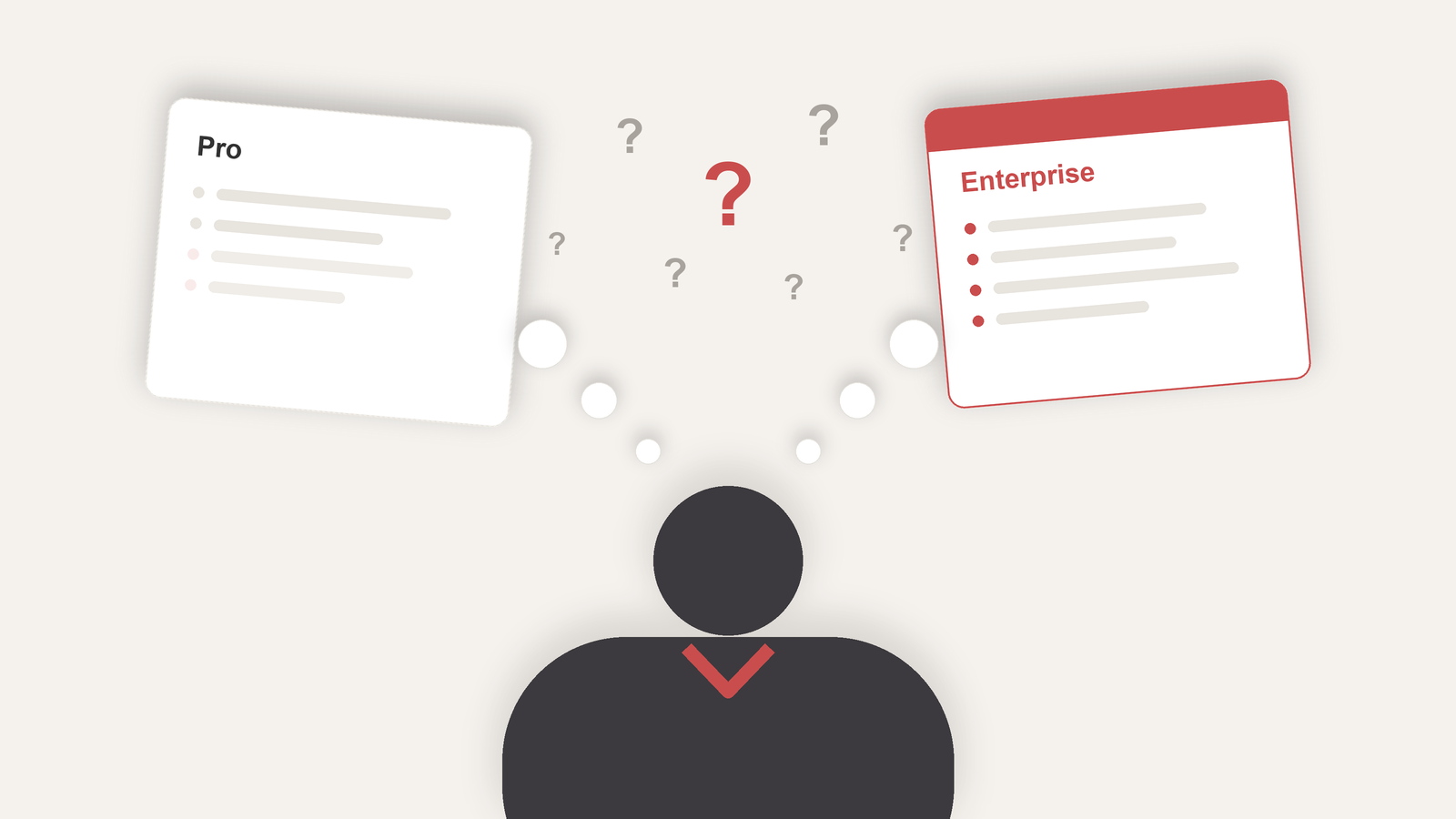
Freshdesk's pricing page is that menu. Not because of the plans, there are only three, but because of the wall of features under each one. Dozens of rows, half of them named in a way that doesn't tell you what they do, and there you are trying to guess which ones matter for your operation.
And the whole CRM market works this way. Every vendor knows the buyer will line the options up side by side and compare feature by feature. Nobody can show up with the shortest list, or it looks like they deliver less than the competitor. It turns into a race to stack checkboxes, and the table ends up designed to win the comparison, with your decision as collateral damage. The more complete it gets, the more unsure you get.
I've set up all three plans for very different companies, from the two-person team to the contact center with dozens of agents. So forget the table for a minute. The question that settles this is: where is your operation today? Pull up a chair and let me tell you, no sales pitch, what changes from one plan to the next and when each one starts to be worth it.
First, an honest heads-up: Red Lotus is a Freshworks partner. Even so, I'm going to name the flaw in each plan, because picking wrong hurts on both sides, you overpay or you end up cramped without what you need.
Growth: getting out of the multichannel mess
Growth is the plan for the small team, two to five people, that today answers on WhatsApp, on email, on Instagram, each channel in its own corner and nobody knowing what was already answered. It exists to pull that together. It's worth seeing what each piece does, because this is where most teams already solve their whole problem.
With the omnichannel inbox, everything that comes in, from any channel, lands in the same place and becomes a ticket with one shared history. In practice the "wait, was this already answered?" disappears, because the customer is one person whether they found you by email in the morning or on WhatsApp in the afternoon.
Deadlines come with it. You set the SLA and the business hours, and the clock only runs during the workday. The ticket that landed Friday at 6pm doesn't count as late on Sunday, and the system nudges you before it breaches, well before the customer complains.
Canned responses take the weight off the repetitive stuff: the question that shows up twenty times a day becomes a shortcut, and the agent stops retyping the same thing. The knowledge base works the other side of it, letting some customers solve it themselves and never open a ticket. And collision detection avoids the awkward spot of two agents answering the same customer with two different replies.
What it doesn't give you: serious automation, a portal with your own face on it, collaborators. The problem is that Growth's ceiling comes fast. A company signs up to organize its channels, three months later it wants to automate the repetitive work, and finds out that lives in Pro, a whole tier up, on another subscription.
Pro: when you can automate
Pro is where support starts to run on its own. It's the plan I set up the most, because it's where most operations live. Every feature here takes a task off somebody's hands.
Routing automation is the first. Instead of someone fishing tickets out of the queue and handing them out by hand, the system does it by rule: round robin across agents, by skill, by workload. The "duplicate invoice" request lands with the right team, no manual triage in the middle.
The self-service portal gets your own face. Your domain and your brand, and more than one portal if you support different products. The customer doesn't feel dumped onto a generic page, and the knowledge base starts working as one more support channel.
Collaborators are the feature that saves the most hidden money. These are people outside support who step into a ticket just to add information, with no need for a full agent license. The finance person who comments "that invoice already cleared", the legal one who validates a clause. You pull expertise from across the company into the ticket without paying an agent license for each area.
Then comes the management control: real-time reports and dashboards built your way. The supervisor sees the queue filling up right now, on the big screen, and moves people around on the spot instead of finding the bottleneck in tomorrow's report. Alongside it you can measure whether the customer left happy, on top of whether the ticket closed.
What weighs on Pro is the price. From Growth to Pro the jump is about 2.7 times. If you're on Growth just to tidy up your channels, Pro looks expensive. The day you actually need to automate, it looks cheap next to doing everything by hand.
Enterprise: by size or by risk
One day everything was working, until out of nowhere all of the client's organizations vanished. Deleted. Tickets started routing to the wrong place, because the information that said who was who had gone. Chaos, and the worst kind: nobody had touched a thing inside the CRM.
What saved us was the audit log. And the first useful thing about a log is the timeline. We took the moment the problem showed up and went to look at everything that happened in that window. In the end it wasn't the CRM: it was one of the client's own internal integrations, misconfigured, deleting records it shouldn't. Once we had the root cause, restoring the data was easy. Some customers got annoyed, but nothing irreversible.
That's Enterprise, and it comes in through one of two doors. By size: you've passed somewhere around 50 agents, more than one person touches the configuration, shift scheduling has become a headache. Or by risk: a regulated industry, you need to prove who changed what, or you simply can't afford a mistake in production.
The audit log, the one that saved the story above, is the first reason. With several hands configuring the same system, it gives you the timeline of every change and the name behind it. When something breaks, you read what changed.
The sandbox is what calms a team down the most. It's a mirror environment, a copy of your operation where you can test a new automation or a big config change with no chance of taking down live support. The team stops being afraid to touch things.
The shift scheduler handles the logistics of running people in shifts. With dozens of agents rotating through the day, the system knows who's on duty right now and routes to whoever is actually online, instead of sending a ticket to someone who already went home. Add to that finer roles and approval flows, the tight control over who can do what.
The flaw is in the bill. Enterprise is per agent and it's the highest price on the list. At 50 agents that's real money every month, before the add-ons.
About the AI (because everyone asks)
Freshdesk sells itself on AI these days. In practice: every plan comes with 500 Freddy sessions included, after that you pay per pack. Copilot, the one that sits next to the agent, is a paid add-on on Pro and Enterprise, it doesn't come bundled. Insights, the AI analytics layer, is Enterprise only. So an "AI plan" doesn't mean AI included. Put that in the budget before you sign.
And the phone?
A lot of people assume phone is an expensive-plan thing. It isn't. Omni lets you bring your own telephony, plug in your own number and carrier, on any tier. Except the calls run on a separate contract and a separate bill. So the question that matters is how much you talk, because that's what weighs on the invoice.
Growth vs Pro vs Enterprise: the comparison table
For the people who skipped straight here: this is what changes between the three plans, in one table. Prices are per agent per month on the annual contract, Jul/2026, before add-ons.
| Growth | Pro | Enterprise | |
|---|---|---|---|
| Price (per agent/month, annual) | $29 | $79 | $119 |
| Omnichannel inbox: email, chat, WhatsApp, social | Yes | Yes | Yes |
| SLA and business hours | Yes | Yes | Yes |
| Canned responses, knowledge base, collision detection | Yes | Yes | Yes |
| Routing automation (round robin, skills, load) | No | Yes | Yes |
| Portal on your own domain, multiple portals | No | Yes | Yes |
| Collaborators without an agent licence | No | Yes | Yes |
| Custom reports and live dashboards | No | Yes | Yes |
| Audit log | No | No | Yes |
| Sandbox | No | No | Yes |
| Shift scheduler, granular roles, approvals | No | No | Yes |
| Freddy AI sessions included | 500 | 500 | 500 |
| Freddy Copilot | No | Add-on | Add-on |
| Freddy Insights | No | No | Yes |
| Bring your own telephony | Yes | Yes | Yes |
Read it top to bottom and the pattern is the one from the sections above: Growth organises the channels, Pro automates, Enterprise adds control. Anything you do not see in the table is either on every plan or is an add-on with its own price.
Omni or plain Freshdesk?
This trips people up before they even reach the plans. Freshworks sells two things with the Freshdesk name on them. Freshdesk on its own is the ticketing product: email, web form, portal, and the automations around tickets. Freshdesk Omni is the bundle: the same ticketing plus live messaging (chat, WhatsApp, Instagram, bots) and phone, on one plan and one agent seat. The Omni plans are the ones in this post, and they cost more than the plain Freshdesk tiers with the same names.
The rule of thumb I use: if your customers reach you by email and through the portal, plain Freshdesk is enough and cheaper. The moment chat or WhatsApp becomes a channel you answer live, or the phone has to sit in the same queue, you want Omni. Buying plain Freshdesk and bolting messaging on later works, but you end up paying for two products and juggling two admin panels.
Sprout, Blossom, Garden, Estate, Forest: where the old plans went
If you signed up years ago, your invoice may still say Blossom or Estate, and the pricing page will not help you find them. Freshdesk renamed its plans in 2021 and reshuffled the features, so the mapping is approximate, not one to one.
| Old name | Closest plan today | What to watch |
|---|---|---|
| Sprout | Free (plain Freshdesk only) | No free tier on Omni. Agent limit on the free plan. |
| Blossom | Growth | Roughly the same idea: channels in one inbox, SLA, canned responses. |
| Garden | Pro | Garden sat between today's Growth and Pro; most of what it had lives in Pro now. |
| Estate | Pro | Portal customisation and custom reports, the Estate hallmarks, are Pro features today. |
| Forest | Enterprise | Audit log, sandbox, skill routing, IP whitelisting. |
Accounts on the old plans were kept on them for a long time, so if you are still on Estate, do the maths before switching: the features moved, and so did the price.
The math gets simple once you stop reading the feature list and look at where your operation is. Still herding scattered channels? Growth handles it. The repetitive work started asking for automation? Pro. Already big, or in an industry that doesn't forgive a mistake in production? Enterprise stops being a luxury.
Still stuck between two plans for your case? That's the conversation we have every week as a Freshworks implementation partner. Come talk it over with us at Red Lotus.
Questions people ask about the Omni plans
Is there a free Freshdesk Omni plan?
No. The free plan exists on plain Freshdesk, the ticketing-only product, with a limit on the number of agents. Omni starts at Growth.
Can I put some agents on Growth and others on Pro?
No. The plan is per account, and every agent is billed on it. For the occasional agent, day passes are cheaper than a full seat.
Monthly or annual?
The prices above are the annual contract. Paying monthly costs more per seat. If you are still deciding on the product, a monthly Growth is a fine way to try it before committing.
Does buying through a partner change the price?
No. The licence costs the same through a Freshworks implementation partner as buying direct. What the partner adds is the setup, the migration and the training, quoted separately.
How do I move from Growth to Pro?
From the billing page in the admin panel. The upgrade is prorated and takes effect right away. Downgrading is possible too, but anything built on Pro features, portal, automations and reports, stops working the day you drop.
Leandro is the founder of Red Lotus Tecnologia, specialized in implementing, supporting, and evolving Freshdesk for support teams in Brazil.